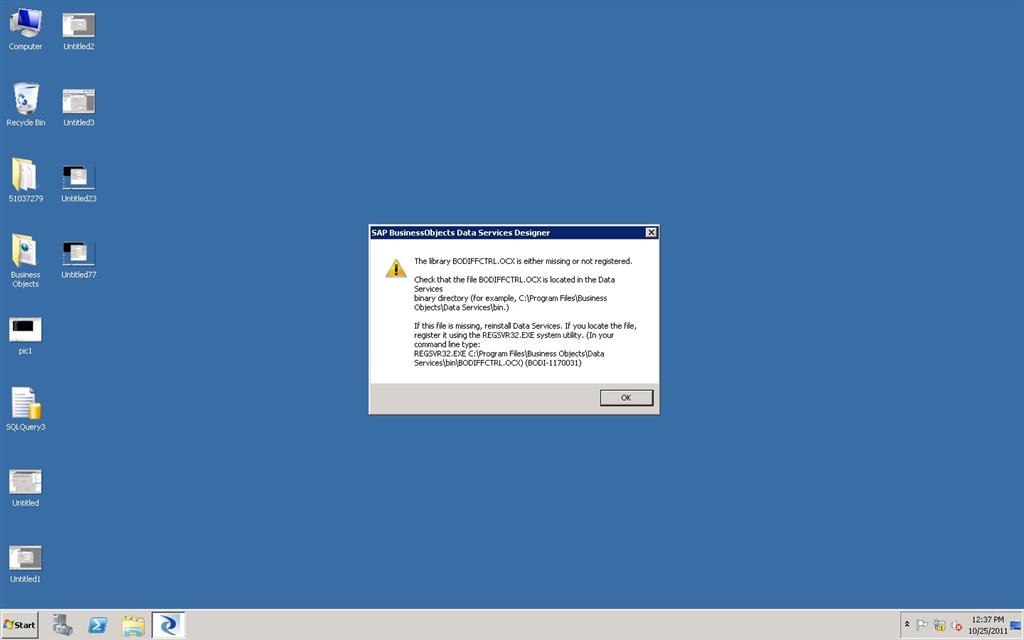
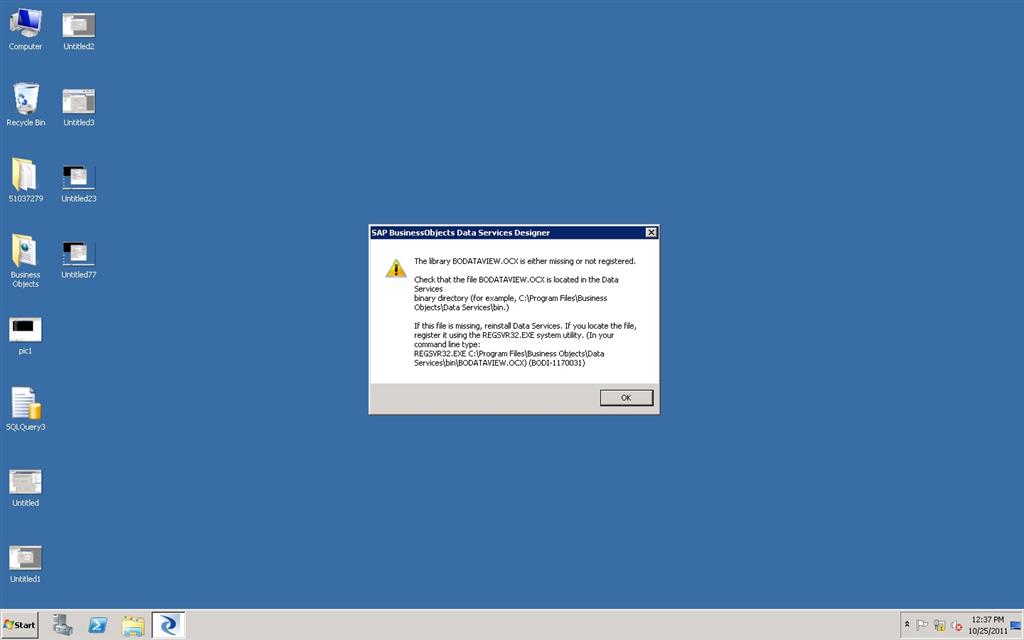
When we are logging into Designer 12.2.0.0 it is throwing these two attached errors.
Kishore_kumar  (BOB member since 2009-01-15)
When we are logging into Designer 12.2.0.0 it is throwing these two attached errors.
Kishore_kumar (BOB member since 2009-01-15)
Yup…
All you need to do is register those 2 OCX Files…
This problem may occur when you had not installed DI - setup.exe using the option “Run as Administrator”
Just open Command Prompt and type
REGSVR32 “COMPLETE_PATH_OF_BODATAVIEW.OCX”
REGSVR32 “COMPLETE_PATH_OF_BODIFFCTRL.OCX”
And then this should go away.
ganeshxp  (BOB member since 2008-07-17)