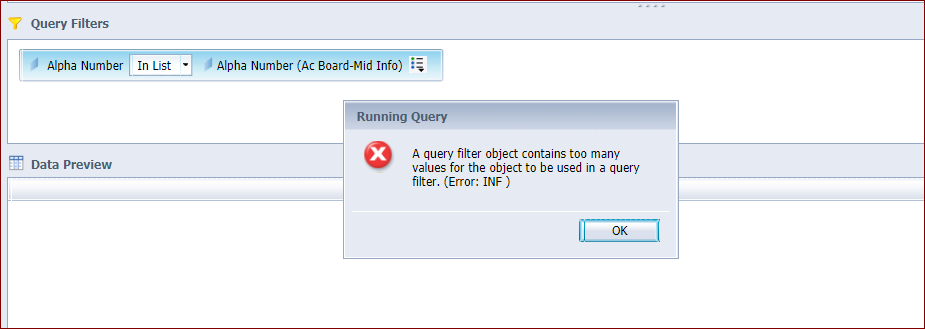
I’m getting “query filter object contains too many values”, this fails with just over 100 values but works with 99 values.
I’m new to the IDT Universe Designer, so is this set somewhere?
Database is Oracle, that limit is 1,000 I think. The report has like 15 other queries going against 6-7 Universes that work fine (with 100+ Id’s being pulled).
This report was migrated from .unv to .unx but basically runs fine except for this.
But a simple report running against the one Universe fails on 106 values but works on 99, so it seems like it’s a Universe thing. Running the query in Oracle SQL works fine.
There’s a universe parameter MAX_INLIST_VALUES that you get to by clicking the name of the business layer, Parameters… , then Add; it’s in the drop-down list.
thanks … I found the Parameters but not seeing where to add … in the Business Layer I clicked name of the Universe, don’t see a drop down list. In the “Parameters and List of Values” pane, I also don’t see a drop-down.
So, in the Business Layer pane, you click on the top-level name (next to the pin-wheel universe icon). To the right, one of the options is Properties (with Query options, Comments, core Business Layers and Custom Properties next to it). Click Parameters, then the drop-down at the bottom of Edit Query Script Parameters. MAX_INLIST_VALUES is one of the choices. Select it, then click Add. It goes into the list with a value of -1, which I believe translates to the max value.
 (BOB member since 2015-06-18)
 (BOB member since 2002-08-20)