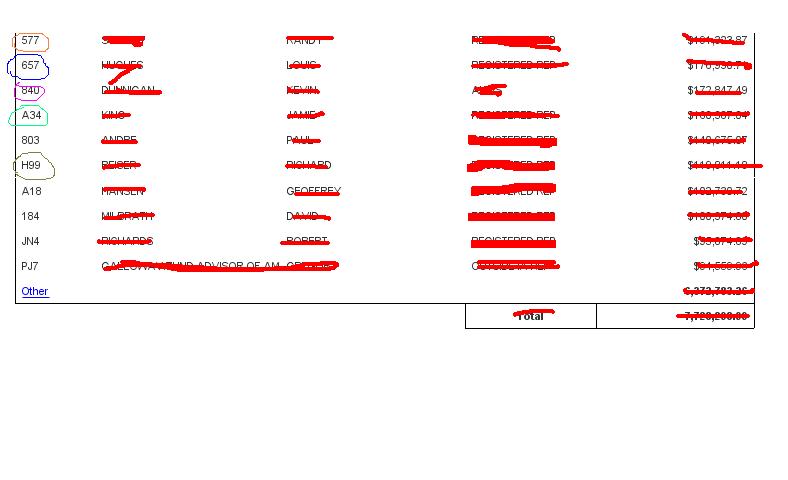
I created a report ( Summary Report ) to display Top 5 and remaining as Other( with Ranking,Nofilter() etc., ) sucessfully with out any issues . Now my users are asking me to display a Master report(Detail Report) as a Sub report. I know we can using hyerlink.
Country Revenue
USA 100
AUS 200
INDIA 400
UK 600
China 300
Other 1200
View ALL 3500
Country -->>> Hyperlink to the top 5 countries. I can achieve easily with hyperlink to other report ( with optional prompt ).
View ALL --> which means all countries and their revenue. I can achieve easily with hyperlink to other report ( optional prompt).
Please help me I need the below
Other ---->> which means View ALL - Top 5 = Others , How can I achieve Others in the sub report with Hyperlink
Okay, I assume you are using OpenDoc with a &lsM parameter to pass in the country names.
The problem is that summing everything together and attaching a link doesn’t correctly format the list of countries that the parameter accepts- IE, they should come in as “USA;France;Germany;etc”. So, we need to get the list in this format, and then remove the top 5.
We will get the list in the correct format by applying a ReportFilter() command, which will return all countries that are passed through the report filters, seperated by a ;. Then, we look at the country rank by sales, and remove countries that are in the top 5.
ReportFilter([Country] where RANK([Sales];[Country]) > 5))
I believe this variable can then be used as the entry for a OpenDoc lsM parameter.
Let me know if this solves it for you.
**Note, if you are using IE, there is a max OpenDoc link size (2083 characters, I believe). If you are passing a large number of countries, this could be an issue. You can use Firefox, which accepts up to 50k characters to get around this.
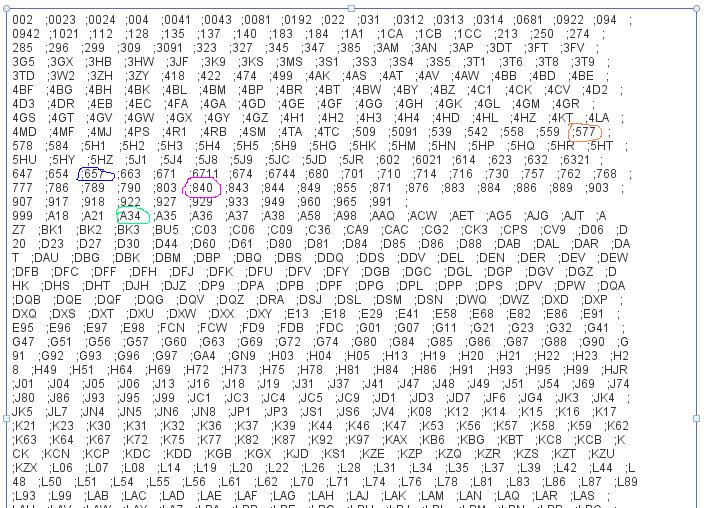
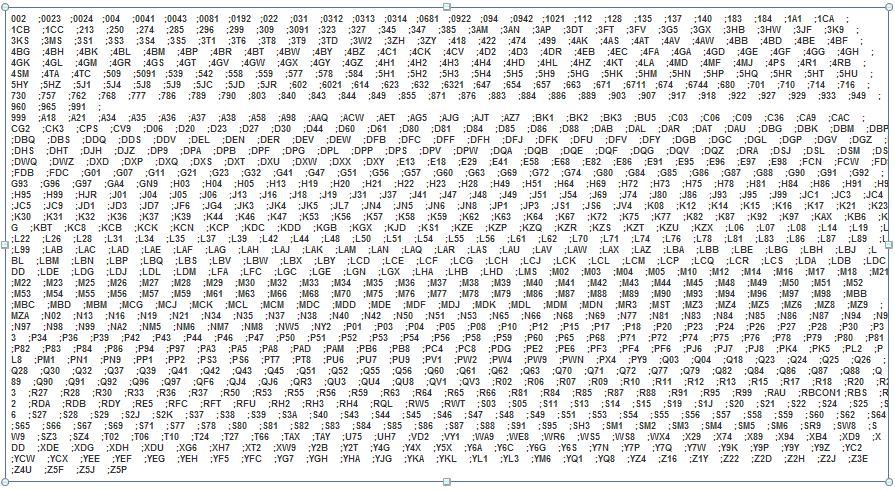
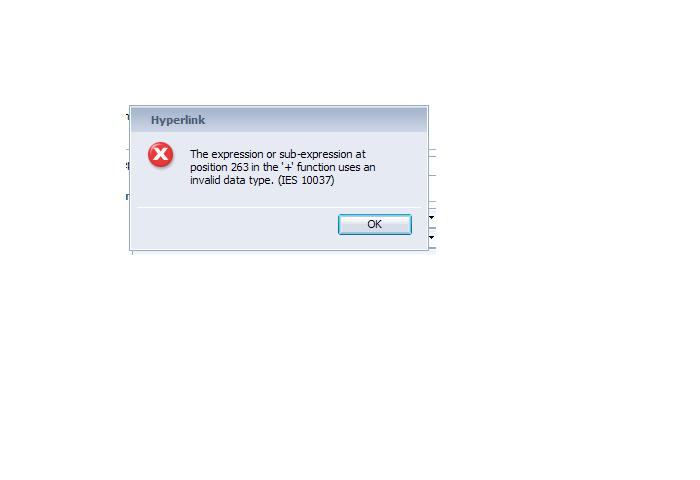
Can you put the ReportFilter… formula in a free standing cell, and expand it to see the entire results list, and post that? The “in position 236” clearly is rather specific, I’m interested to see whats there.
I just replicated the process on a report of mine, and the variable passed the correct parameters through the OpenDoc link without any problems. Is that screenshot you posted an OpenDoc editing page? Or is that something else?
Other than that, my experience with OpenDoc is pretty much 4.0 specific- so I’m not sure I’ll be able to continue providing help if it is a 3.1 syntax issue. I created an object [Open Doc] that contained my concatenated objects through the formula we discussed, and passed it through with a &lsMCountry=[Open Doc] parameter in my link.
I thought you were using WEBI via a Launchpad- not dhtml.
Thoughts on the image you posted:
Should there really be spaces? Input into a prompt is generally in the form of:
xxxxx;yyyy;zzzzz
with no spaces. But, it’s possible your data needs the spaces? Although, it would make sense that there is approximately 200 characters before your first &lsMCountry parameter is being passed in- so I would think that this could be it. You could remove the spaces with a simple RightTim() command somewhere during the variable building, or perhaps a
Replace([OpenDoc Var]," ","")
to give it a try without the spaces.
That’s a pretty big list- I’m not going to count, but your URL could be approaching the ~2000 character limit with that list. (If Rich Client is using IE to do the linking).
If these suggestions don’t help, you’re going to need to find someone with more experience using the type of linking that you are attempting. Unfortunately, that is also something I haven’t done.
 (BOB member since 2010-05-03)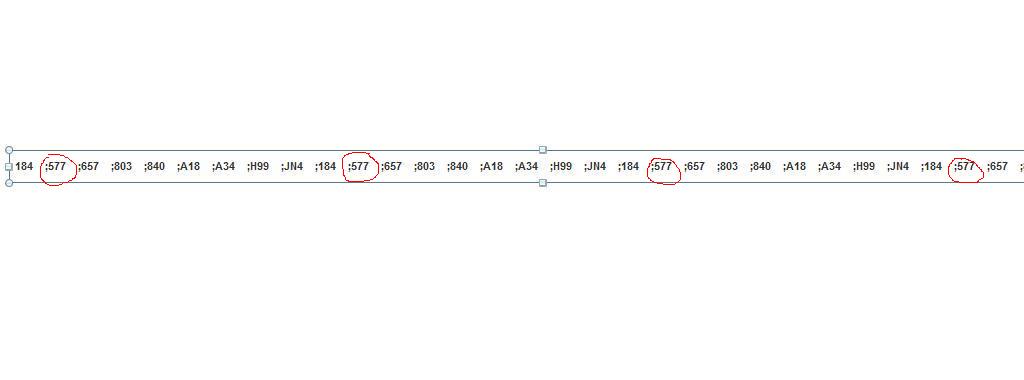
 (BOB member since 2010-05-03)