Hello,
I’m quite new at BO, but I have a problem that seems quite unsolvable (to me)
Here’s the description.
Every day I import new data through Excel as data provider.
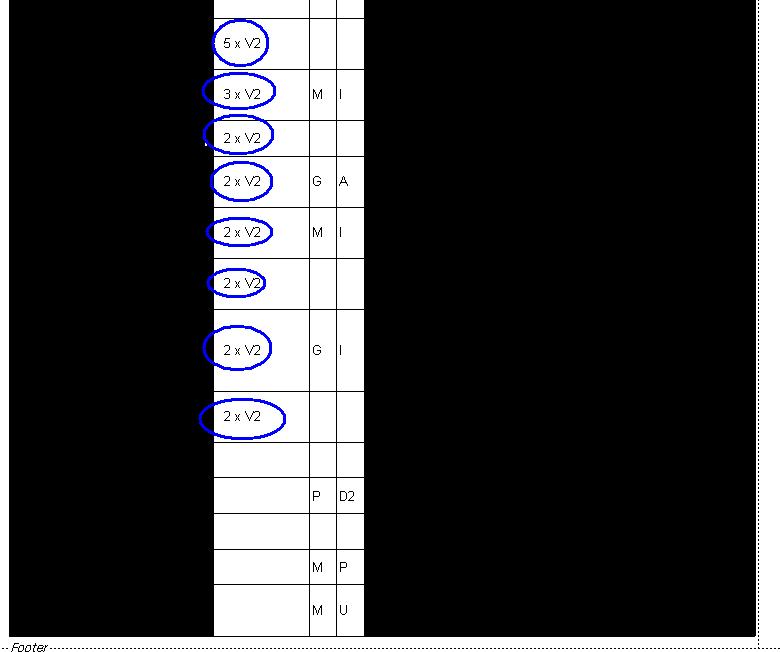
This data contains a lot of informations, but I want to exclude only the informations that have a value, everything else I want to hide.
The thing works when I use filter and select non-empty cells, but I can’t use it every day because of huge amount of the data…
Is there a way how to make this simple?
I tried with function
Not IsNull()but it throws back only value “1,00”
I attached a picture for better visualisation.
BHawk (BOB member since 2009-01-16)
 (BOB member since 2010-03-27)