Hi,
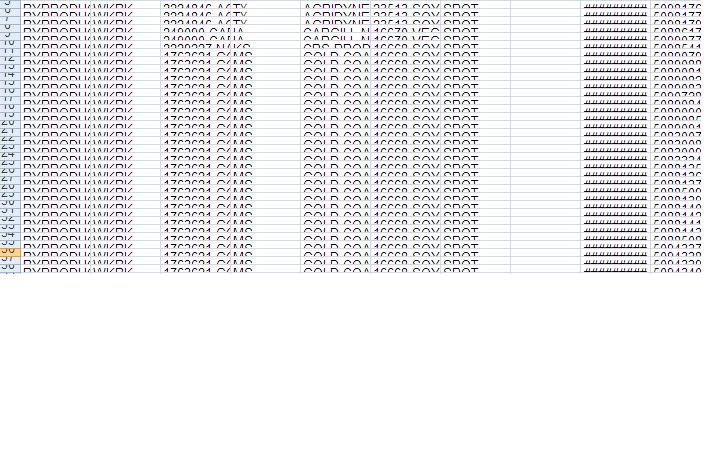
A Crystal 2008 report that is migrated from Crystal 10, when scheduled as an Excel (Data only), the rows overlap one another. This can be corrected after opening the Excel, but is there any setting that I can use to avoid this issue?
Please let me know if you have any ideas. Attached is the screenshot for your reference.
Jansi  (BOB member since 2008-05-12)
 (BOB member since 2008-05-12)