Editing Free-hand SQL in BI 2025 Patch 4

We recently upgraded from 4.3 SP04 Patch 7 to BI 2025 Patch 4.

It used to be that you could edit the free-hand SQL of a pre-existing report by click the icon in the Query Panel.
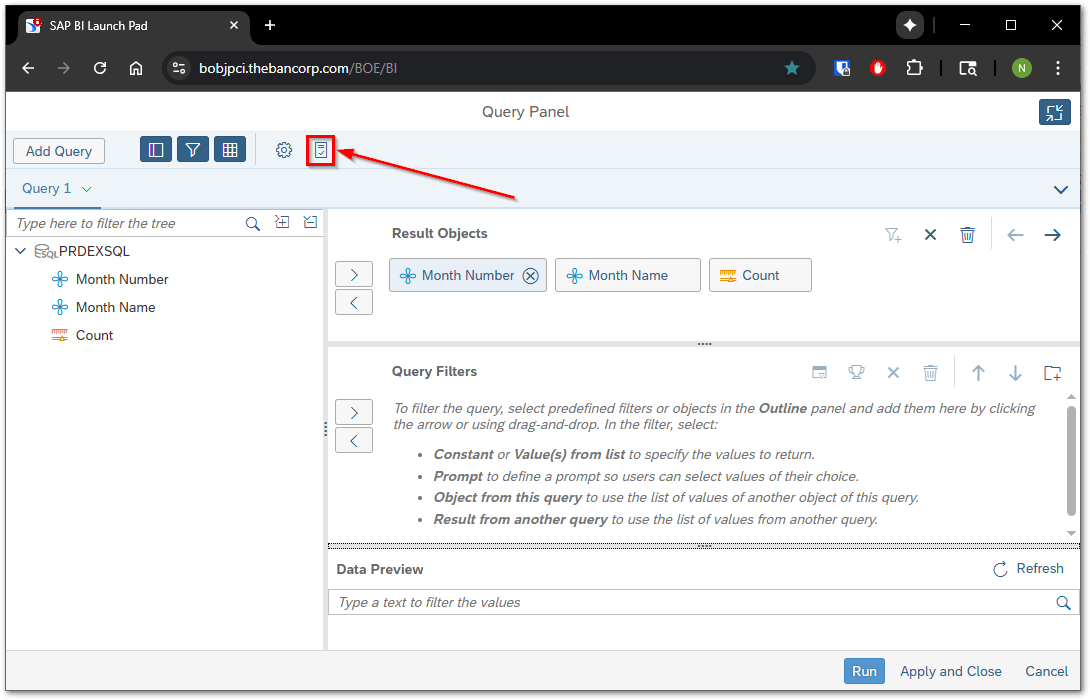
Now in my BI 2025 environment when I click that icon, I cannot edit the SQL but instead am directed to Change Source via the message at the bottom.
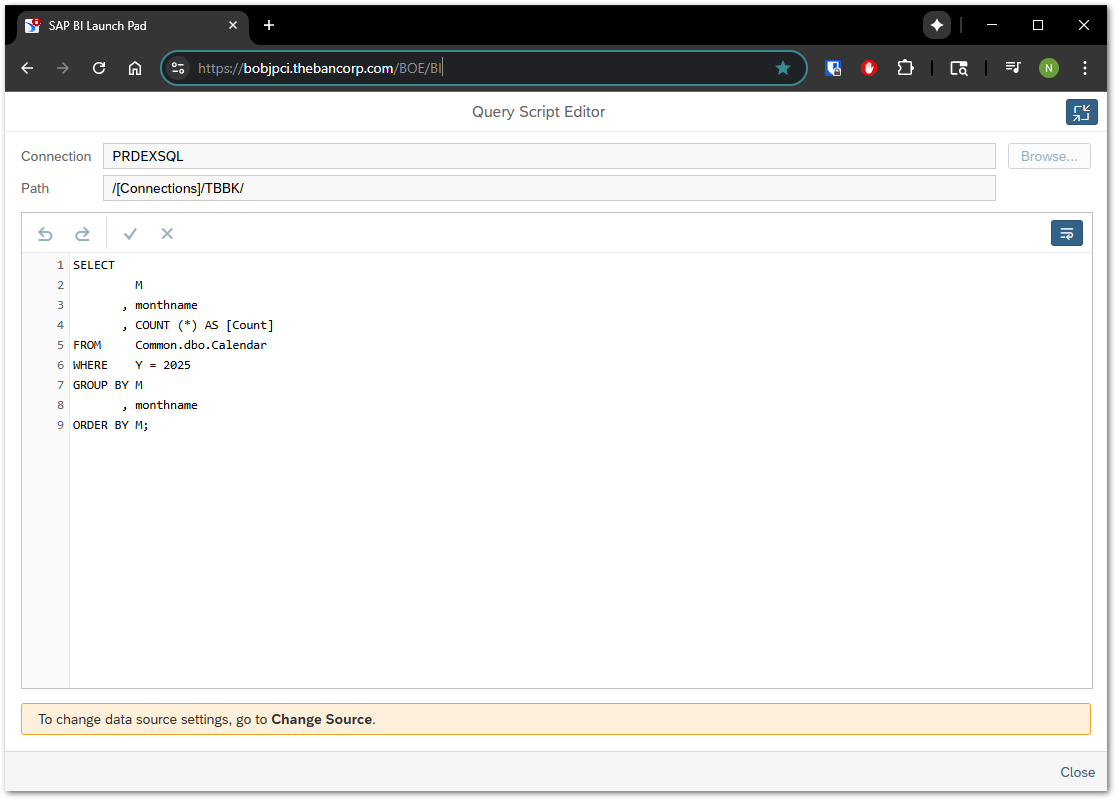
That forces you through the Object Mapping screen…
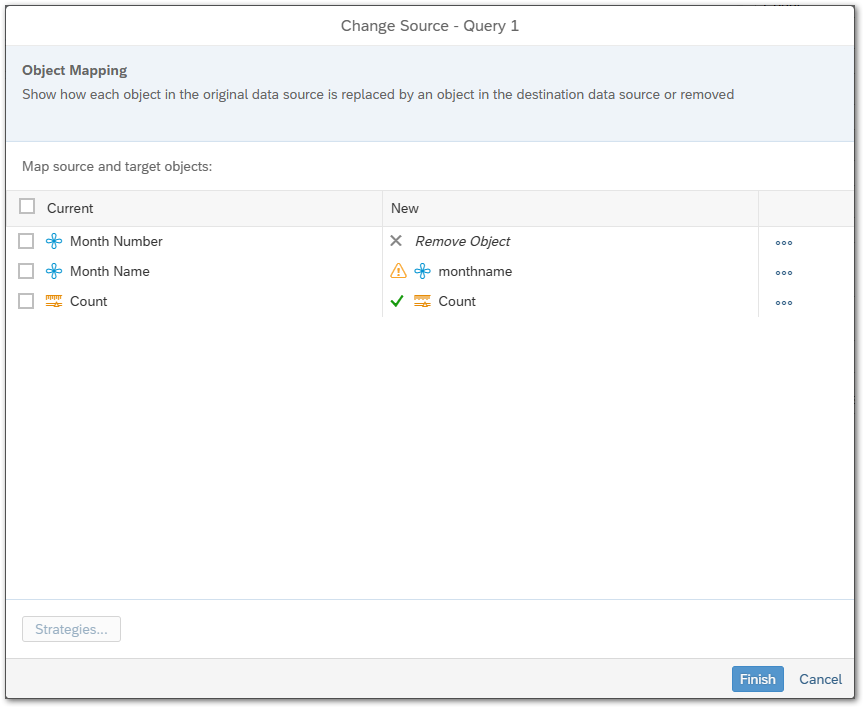
Which discards whatever object properties I had previously made…
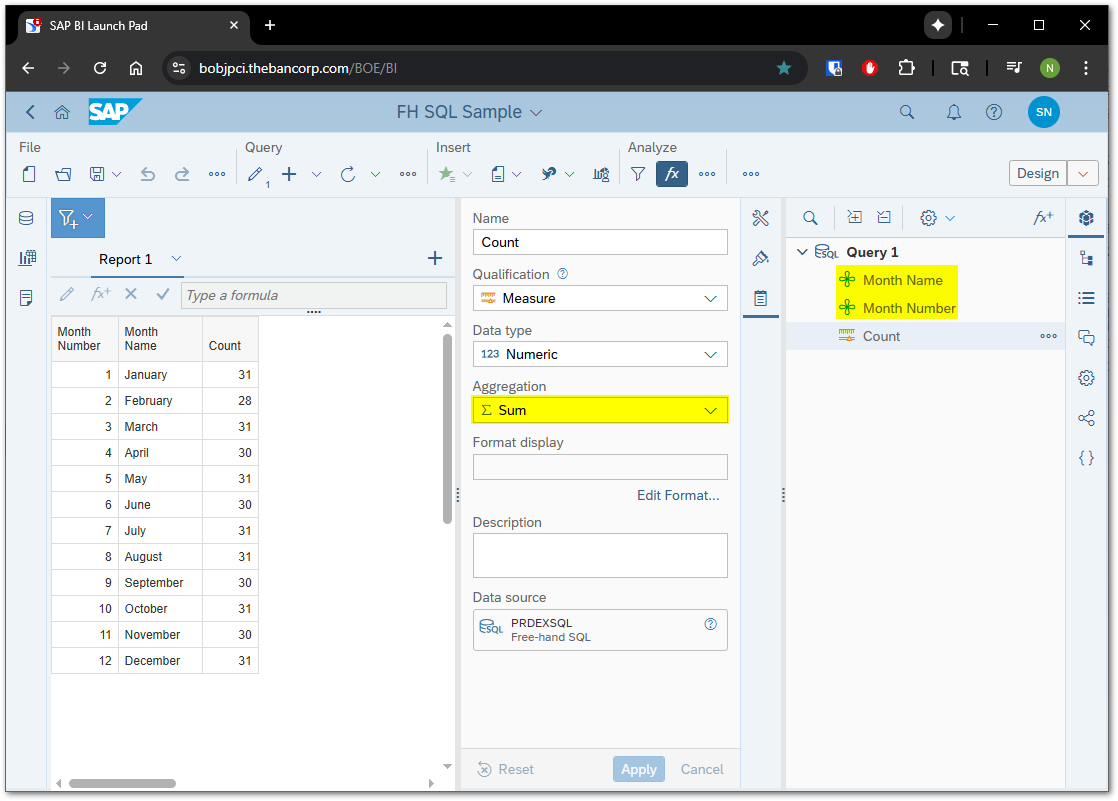
And I am have to redo them.
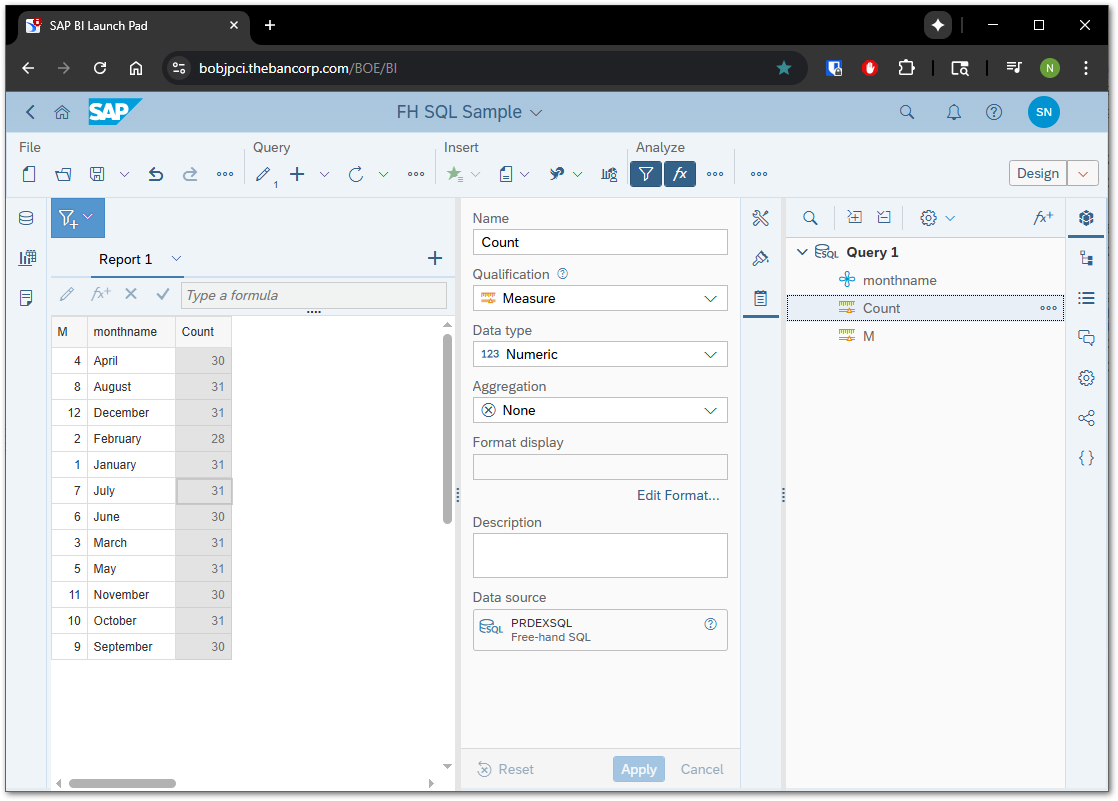
What am I doing wrong? Is this considered an enhancement?

Thanks

According to the following KBA, this is a feature by design.

3649694 - How to edit Webi report script based on FHSQL in BI 2025 and BI 4.3 SP5?

:enraged_face:

I submitted this idea to address what I consider to be a problem.

Improve Edit Free-Hand SQL Process Flow

1 Like

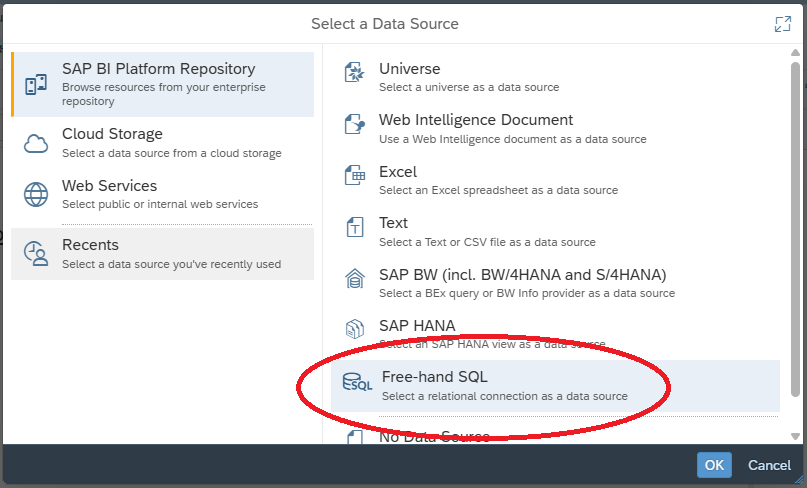
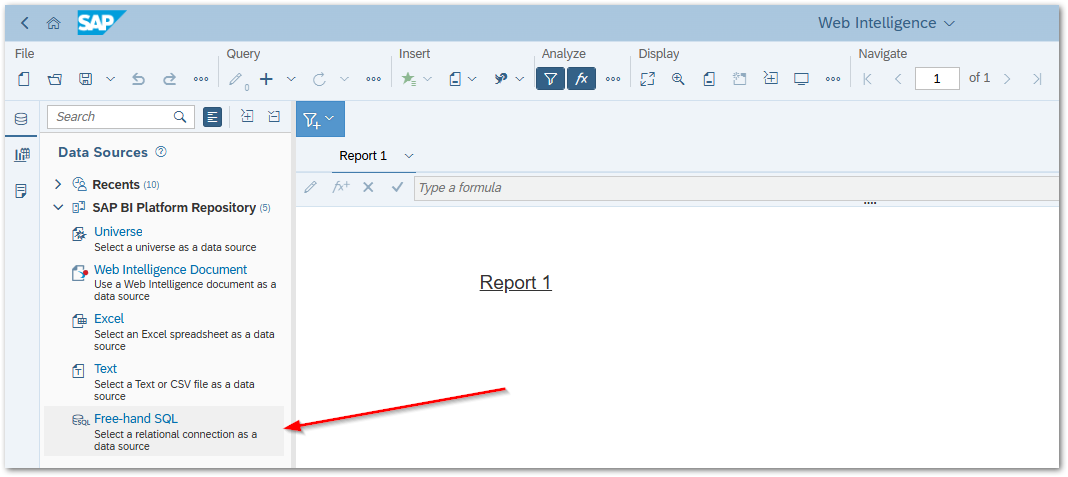
If you click the applications tab and click on Web Intelligence, do you see this screen? We are still on 4.3 btw.

You are selecting free-hand SQL as a new data source there. I can do that as well. It looks a little different in BI 2025…

Editing an existing free-hand SQL statement is the problematic use case.