I’m new to crystal reports. We had a report for which there are multiple versions over the years.
The latest version had some formatting issue. The report is basically printing some information in three sections in page.
part1
part2
part3
So after printing the three parts are separated for mailing.
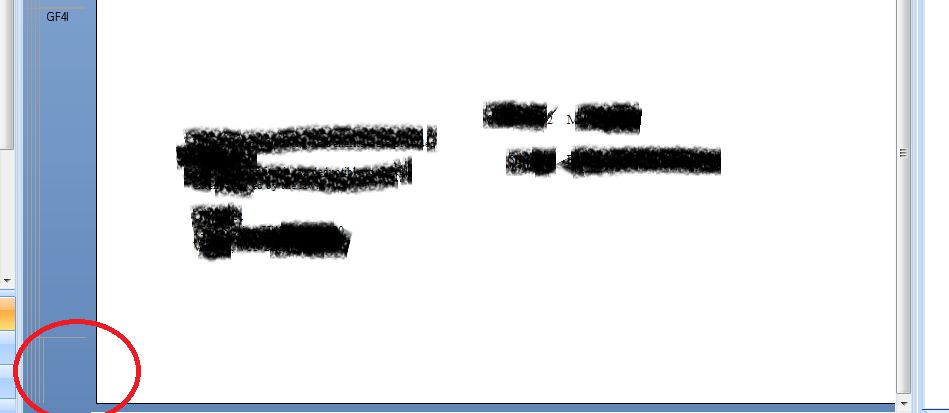
Lately we have been observing something weird as some space keeps adding up in the bottom of the page as a result all the information is pushed up a bit in the part3 section- and is not printed correctly.
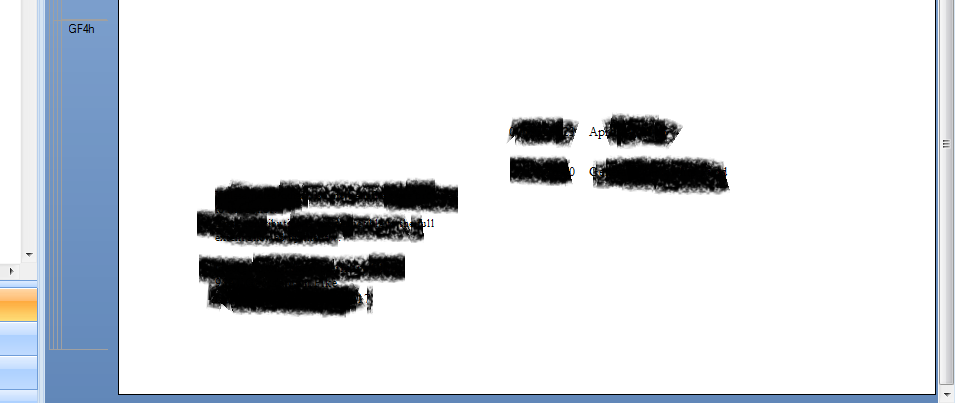
I’m attaching few screen shots on the preview mode of the report(of how it used to look before and now).
Could someone please help me with this.
Thanks in advance.
AJ
Edit: what I’ve observed is, the report looks perfectly fine in the preview mode too? But when I print it out-thats when the things mess up. The information in the bottom sections is pushed up a bit
Has the printer associated with the report changed? (look under File -> Page Setup)
We have a report that prints cheques to be sent out and we have all sorts of problems with it whenever they decide to change the printer. Unfortunately, it seems Crystal can change the layout slightly depending on the printer being used.
Set the printer on the report to be the exact printer that is used to do the printing (if you can) and see if that makes a difference.
Another thing that we ran into with the Crystal Report viewer. We have seen differences when the report is rendered as Crystal Reports vs. PDF. It can be really annoying.
 (BOB member since 2016-03-07)
 (BOB member since 2010-06-23)
 (BOB member since 2016-03-07)